
Use iaiav’s Built-in Scene Templates
The platform offers pre-made background templates for various genres like romance, business, and suspense. You can select these directly in the script editor. The system automatically applies the background to the generated video, ensuring visual consistency across episodes without needing external files.
- Navigate to the 'Templates' tab in the iaiav editor.
- Select a theme that matches your script's setting.
- Apply the template to your character to generate the scene.
Source Backgrounds from Stock Photography
Websites like Pexels and Unsplash provide high-resolution images of specific locations such as offices, cafes, and streets. You can download these images and use them as static backgrounds in your editing software or reference them to prompt AI video generators.
- Search for specific keywords like 'modern office' or 'ancient temple'.
- Download high-resolution images to ensure quality.
- Check the license agreement to ensure commercial use is allowed.
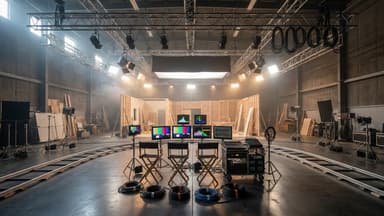
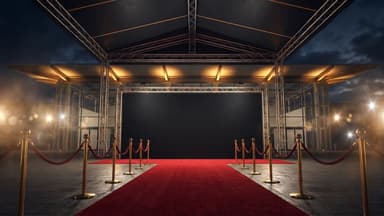
Film sets in the library
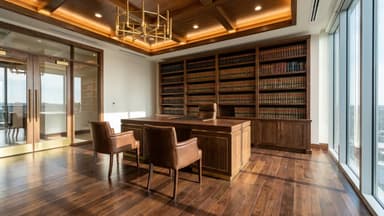
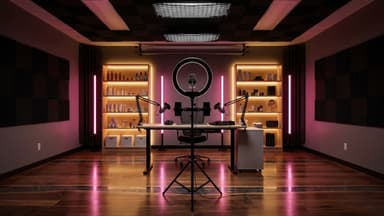
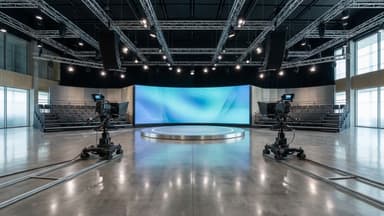
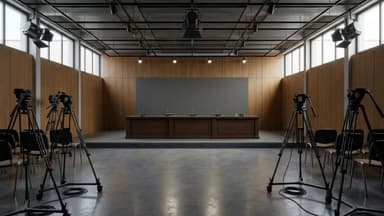
Generate Custom Sets with AI Image Tools
Tools like Midjourney or Stable Diffusion can create unique sets tailored to your script. Use detailed prompts to describe the lighting, furniture, and time of day. You can then use these images as backgrounds in your video editor to create a bespoke environment.
- Input detailed prompts (e.g., 'cyberpunk street at night').
- Upscale the generated image for better resolution.
- Use the image as a reference for setting the mood.
Leverage Free 3D Models for Depth
Adding depth makes AI videos look less flat. Websites like Sketchfab offer free 3D models of furniture, cars, and objects. Import these models into your scene to create a realistic environment that sits behind your AI actor.
- Download a 3D model (e.g., a chair or car).
- Import it into your 3D or video editing software.
- Place it in the background to add perspective.