
Dynamic Camera Work
Static camera angles make AI fights look like video game cutscenes. To simulate real combat, your prompts must describe the camera's movement. Use terms like 'POV shot,' 'tracking shot,' or 'handheld camera' to create a shaky, immersive feel. Slow-motion prompts (e.g., 'slow motion impact') are essential for emphasizing the weight of a punch. Avoid frontal, static views; instead, utilize dynamic angles that follow the action.
- Use 'handheld camera' and 'shaky cam' for realism.
- Include 'slow motion' to capture impact frames.
- Try 'over-the-shoulder' or 'low angle' shots.
Lighting and Shadow
Lighting dictates the mood and realism of a fight. Real fights happen in dim, chaotic environments. Use low-key lighting prompts like 'chiaroscuro lighting' or 'dimly lit warehouse' to create high contrast. Crucially, describe the flash of impact: 'light flashes from the impact,' 'shadow on face from the hit,' or 'backlighting.' This adds depth and makes the blows feel physical rather than digital.
- Use 'low key lighting' and 'high contrast'.
- Add 'impact flash' or 'light glint'.
- Specify 'dimly lit' environments for grit.
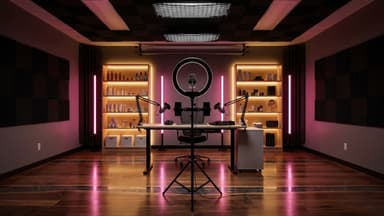
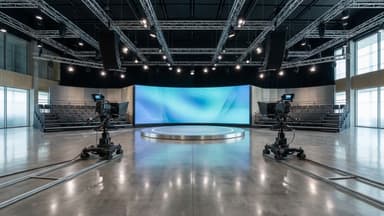
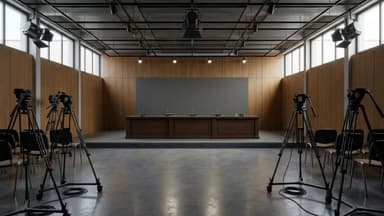
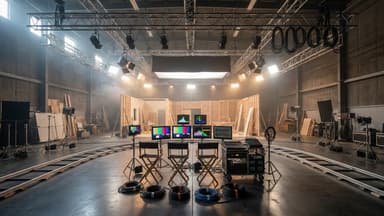
Film sets in the library

Physics and Debris
The absence of physics is the #1 reason AI fights look fake. You must prompt for environmental reactions. Instead of just 'person hits person,' describe the aftermath: 'debris flying,' 'dust clouds,' 'impact crater on the floor,' or 'clothes tearing.' This forces the AI generator to render secondary motion, grounding the fight in a physical space rather than a void.
- Prompt for 'debris flying' and 'dust clouds'.
- Include 'impact crater' on surfaces.
- Mention 'clothes tearing' or 'sweat droplets'.
Leverage Remake Templates
iaiav’s Remake Template feature is perfect for action choreography. Don't write one giant prompt; break the fight into beats. Create a template for a 'punch landing' and another for a 'kick miss.' By using templates, you can iterate on specific movements without losing context. Use the platform’s 'Quote before shooting' feature to verify the consistency of your actors and the physics of the scene before generating the final video.
- Use 'Remake Template' for specific fight beats.
- Break complex fights into smaller segments.
- Use 'Quote before shooting' to verify consistency.