Define the Character Profile
Start by establishing a concrete visual profile for your AI actor. Enter specific physical traits—hair color, eye shape, facial structure, clothing style, and lighting conditions—into the script generator or character settings. Without these precise parameters, the AI generates a new face for every scene. Be detailed in your description to anchor the visual identity.
- Specify hair color and texture
- Define eye shape and expression
- Set clothing style and background
Integrate Character Tags in Script
Once the profile is set, embed it into your script using consistent tags. Use specific names and descriptive prompts like '[Actor: Protagonist]' to tell the platform which model to use. Avoid changing the character's name halfway through the series, as this confuses the AI engine and breaks the face consistency.
- Use consistent character names
- Add descriptive tags for scenes
- Maintain the same name throughout
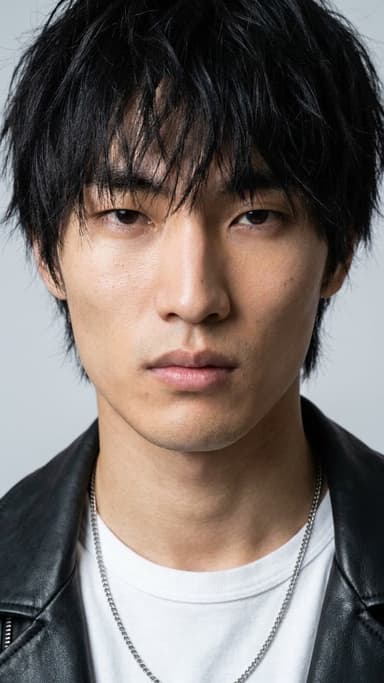
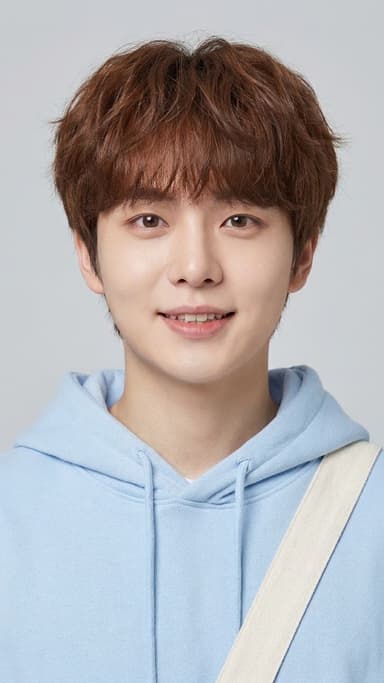
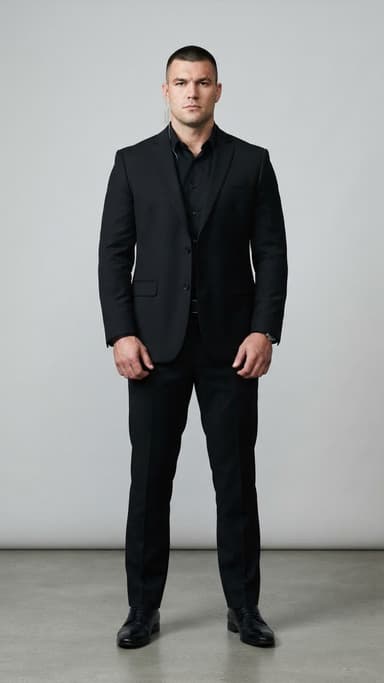
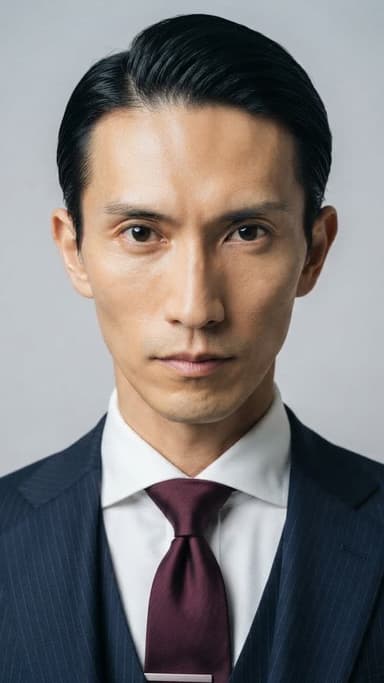
Free AI actors in the library


Lock the Voice to the Model
To ensure the character feels real, the voice must match the face. When generating the audio track for your script on iaiav, select the specific voice model associated with your AI actor. This locks the dialect and tone to the character, preventing the audio from sounding like a different person in subsequent episodes.
- Select voice model in audio settings
- Match dialect to character background
- Avoid generic voice cloning
Use Remake Templates for Errors
If a specific episode generates a different face due to a glitch, do not regenerate the whole series. Use the 'Remake' feature on iaiav. Upload the failed video, select the original character model, and regenerate. The system will use the same script and voice settings but force the AI to render the correct face.
- Upload failed video to remake
- Select original character model
- Keep script and voice settings
Choose Between Training and Renting
You can create an AI actor by training a model from your own photos or by renting high-quality community models. For quick production, browse the 'Rent Assets' section on iaiav to find a model that perfectly matches your protagonist. This bypasses the need to gather 50+ training photos and speeds up your workflow.
- Rent pre-made models for speed
- Train from 10-20 clear photos
- Check model reviews before renting